
No products
Product successfully added to your shopping cart
There are 0 items in your cart. There is 1 item in your cart.
router with WIRELESS
Top sellers
-

RADIO MP3 AUX SD USB MMC auto DIBEISI
RADIO MP3 / USB / SD / MMC / AUX player for the car. Radio function and...
111,00 lei -

Antena Storm ML 170 with PL for CB radio
Storm antenna socket ML 170 PL 259 for CB radios band, 27 MHz. 1.7 m...
145,00 lei -

Zyxel Wireless Router NBG 418V2
Wireless Router Zyxel NBG-418V2. WAN and LAN ports 10/100 Mbps, 300 Mbps...
77,00 lei -

ANDROID TABLET 7 INCH QUAD CORE Quer JOY Black
ANDROID TABLET 7 INCH 5.1 quer JOY black quad core version 4. Operating...
287,00 lei -

Cartridge compatible HP 12A q2612a fx10
Compatible Cartridge HP 12A. Compliant product that produced by Hewlett...
30,00 lei -

TVT interior surveillance DVR Kit 4 cameras
Indoor AHD analog video surveillance kit 4 dome camera dvr TVT producer....
450,00 lei
New products
-
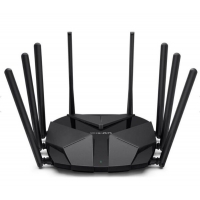
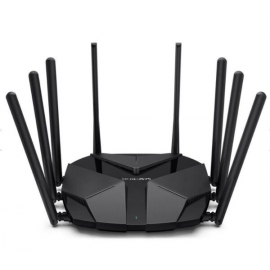
6000Mbps MR90X router mercusys wireless
8 omnidirectional antennas in a programmable vertical position and in...
330,00 lei -
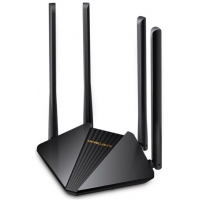
cheap router ac1200 gigabit 5ghz 4antennas
new generation equipment sufficient for domestic traffic, but with...
98,00 lei -

avanti kappa 2pro vers 50w recording playback
statie radio de putere pentru tiristi sau camioane reglabila cu...
1 000,00 lei
Viewed products
-
wi-fi 6 dual-band...
RX2L PRO dual-band ax1500 router,...
 View larger
- Send to a friend
- Remove this product from my favorite's list.
- Add this product to my list of favorites.

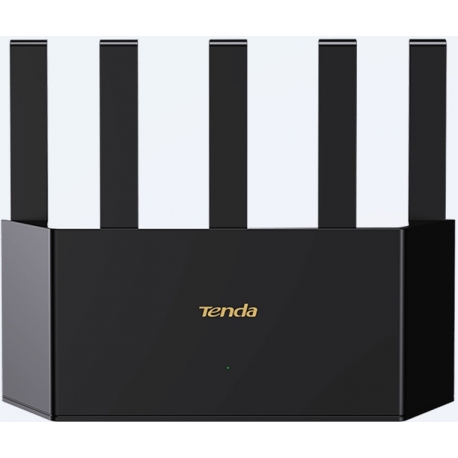
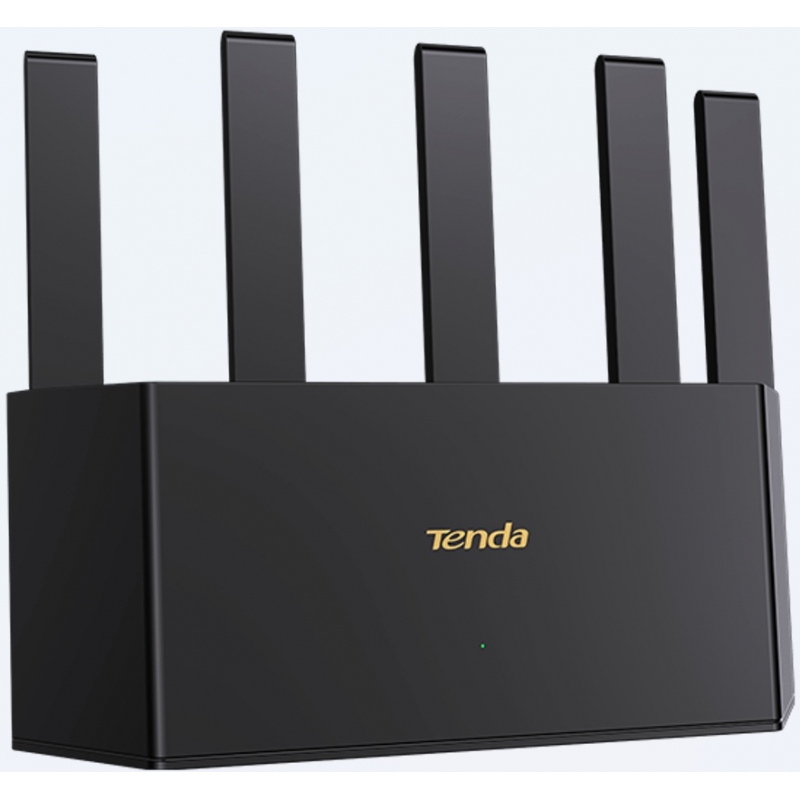
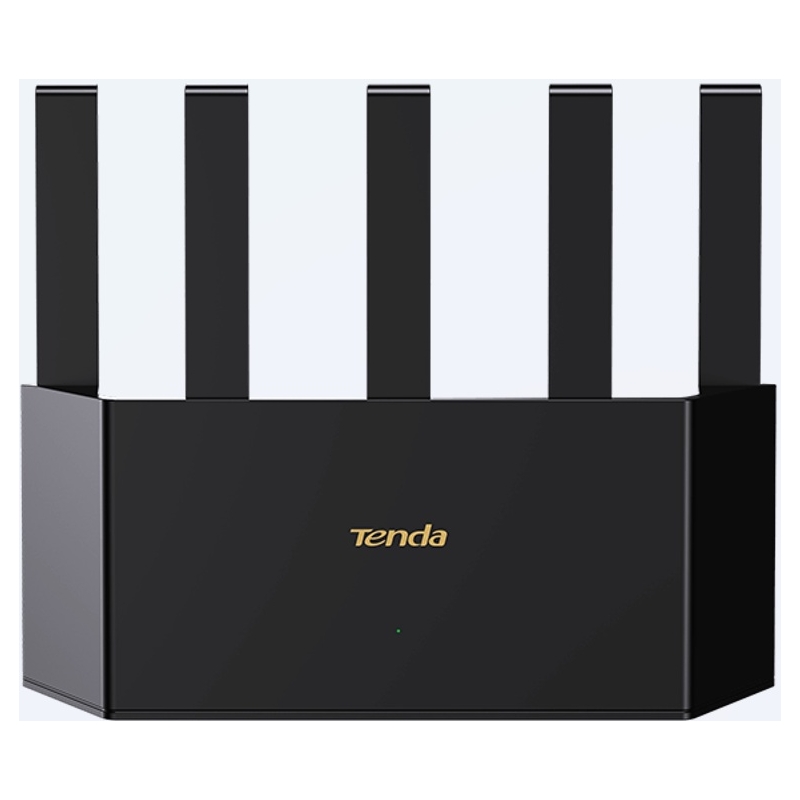
wi-fi 6 dual-band ax1500 1Gbps ports Tenda
New
RX2L PRO dual-band ax1500 router, entry-level 6 gigabit wifi for home users, 25-30 connections, 5 external antennas, universal repeater or AP client capable
More info
Hardware
Standards and Protocols
IEEE 802.3.
IEEE 802.3u.
IEEE 802.3ab.
Interface
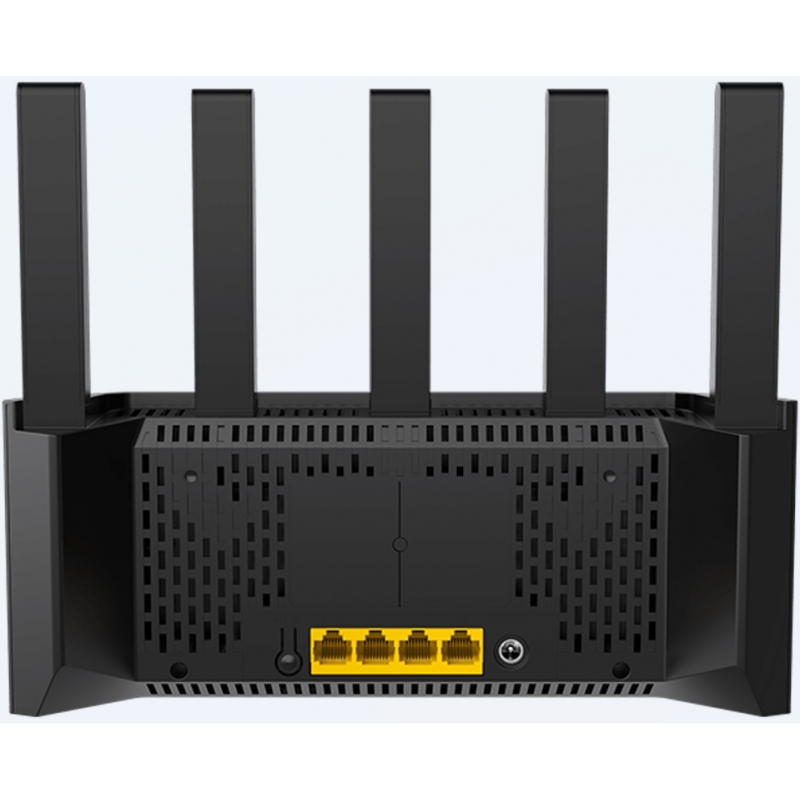
4 RJ-45 10/100/1000 Mbps Ethernet ports of which 1x can be WAN.
Antennas
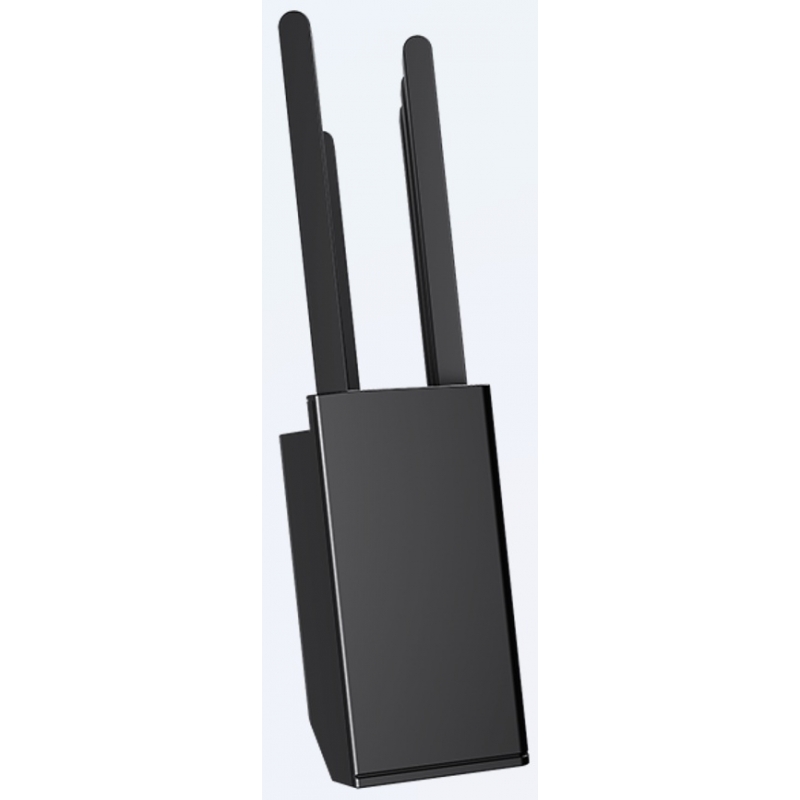
5 external, non-detachable, tiltable antennas with omnidirectional signal dispersion.
FEM modules: 2.
Buttons
WPS/RST: connect via WPS if pressed for 2-3 seconds, and reset to factory settings if pressed for 8 seconds.
Power
AC power adapter (100-240V⏦50/60 Hz) to DC (12V⎓1A).
DC power jack (12V⎓1A).
LED indicators
1x SYS: system status.
Size and weight
244 x 56 x 200 mm.
400 g.
Wireless
Wi-Fi standards
IEEE 802.11a.
IEEE 802.11b.
IEEE 802.11g.
IEEE 802.11n (Wi-Fi 4).
IEEE 802.11ac (Wi-Fi 5).
IEEE 802.11ax (Wi-Fi 6).
Wi-Fi transfer rate
On 5 GHz: up to 1201 Mbps.
On 2.4 GHz: up to 300 Mbps.
Wi-Fi bands
2.4GHz.
5GHz.
Wi-Fi transmission power
CE:
<20 dBm (2.4 GHz).
<23 dBm (5 GHz).
FCC:
<30 dBm (2.4 GHz).
<30 dBm (5 GHz).
Other features
MU-MIMO.
OFDMA.
Beamforming+.
Wi-Fi security protocols
No connection key.
WPA2-PSK.
WPA3-SAE.
WPA3-SAE/WPA2-PSK.
Network authentication via WPS.
Software
Internet connection modes
PPPoE.
Dynamic IP.
Static IP.
Network protocol
IPv4 & IPv6.
Working modes
Router: routing with wired connection to ISP/external network, default working mode.
AP: access point with wired connection to upstream network.
Client+AP: access point with Wi-Fi connection to upstream network, working mode also known as extender or universal repeater.
Parental control
Time-based internet access limitation.
URL-based filtering.
DHCP
DHCP server.
DHCP client list.
Fixed IP assignment for clients.
Advanced forwarding and access options
TCP/UDP port forwarding (maximum 16 forwarding rules).
DMZ host.
UPnP.
Firewall
ICMP Flood attack defense.
TCP Flood attack defense.
UDP Flood attack defense.
WAN ping blocking.
DDNS
dyn.com;no-ip.com
VPN
PPTP server.
PPTP client.
L2TP client.
Allow VPN PPTP, L2TP, IPSec connection through router (Passthrough PPTP, L2TP, IPSec).
System management
Manageable from local web page (http://tendawifi.com or http://192.168.0.1) with access from local network and outside it.
Manageable from Tenda WiFi (Android & iOS) with access from local network and outside it.
Other software features
Wi-Fi+ mesh interconnection with other compatible Tenda devices.
Intelligent one-click router diagnostics and troubleshooting.
Automatic opening of the step-by-step initial setup configurator after connecting to the default Wi-Fi network.
Unifying Wi-Fi networks or separate per-band networks.
Hide SSID.
Standard Wi-Fi setting, security protocol, channel and channel width.
IPv6 options on WAN.
IPTV.
LED operation scheduling.
Limiting the internet connection rate send/receive per client.
Guest network, separated on another IP class, with time limitation and maximum rate shared between clients.
System log.
Edit MAC on WAN.; VLAN on WAN.
MTU setting for WAN.; Static routing (view, edit, create).
Scheduled device reboot.
Backup & restore configuration file.
Online and local firmware update.
Enable/disable access to the management web page from outside the internal network.
Intelligent router diagnostics and troubleshooting.
Reset and restart the device.
Change the admin password for access to the management interface.
Parental control.
Set the working mode.
Reviews
profesional
trafic foarte stabil
- 1 out of 1 people found this review useful.
Customers who bought this product also bought:
-

231,00 lei
-

204,00 lei
-

400,00 lei
-

523,00 lei
-

255,00 lei
-
450,00 lei
10 other products in the same category:
-
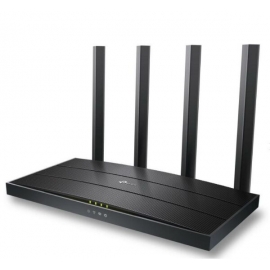
tp-link...
210,00 lei
-
Zyxel...
77,00 lei
-

ac12 TP...
187,00 lei
-

cheap...
62,00 lei
-

cheap...
124,00 lei
-

wifi...
71,00 lei
-
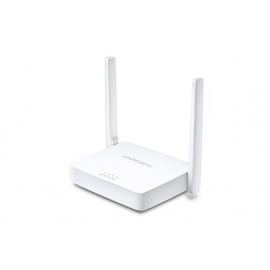
wlanr rout...
52,00 lei
-
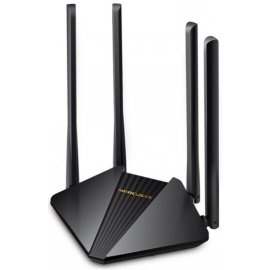
cheap...
98,00 lei
-
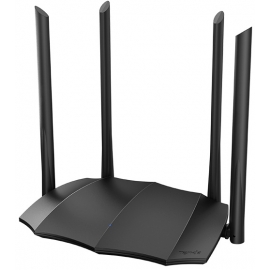
tenda...
118,00 lei
-
6000Mbps...
330,00 lei